
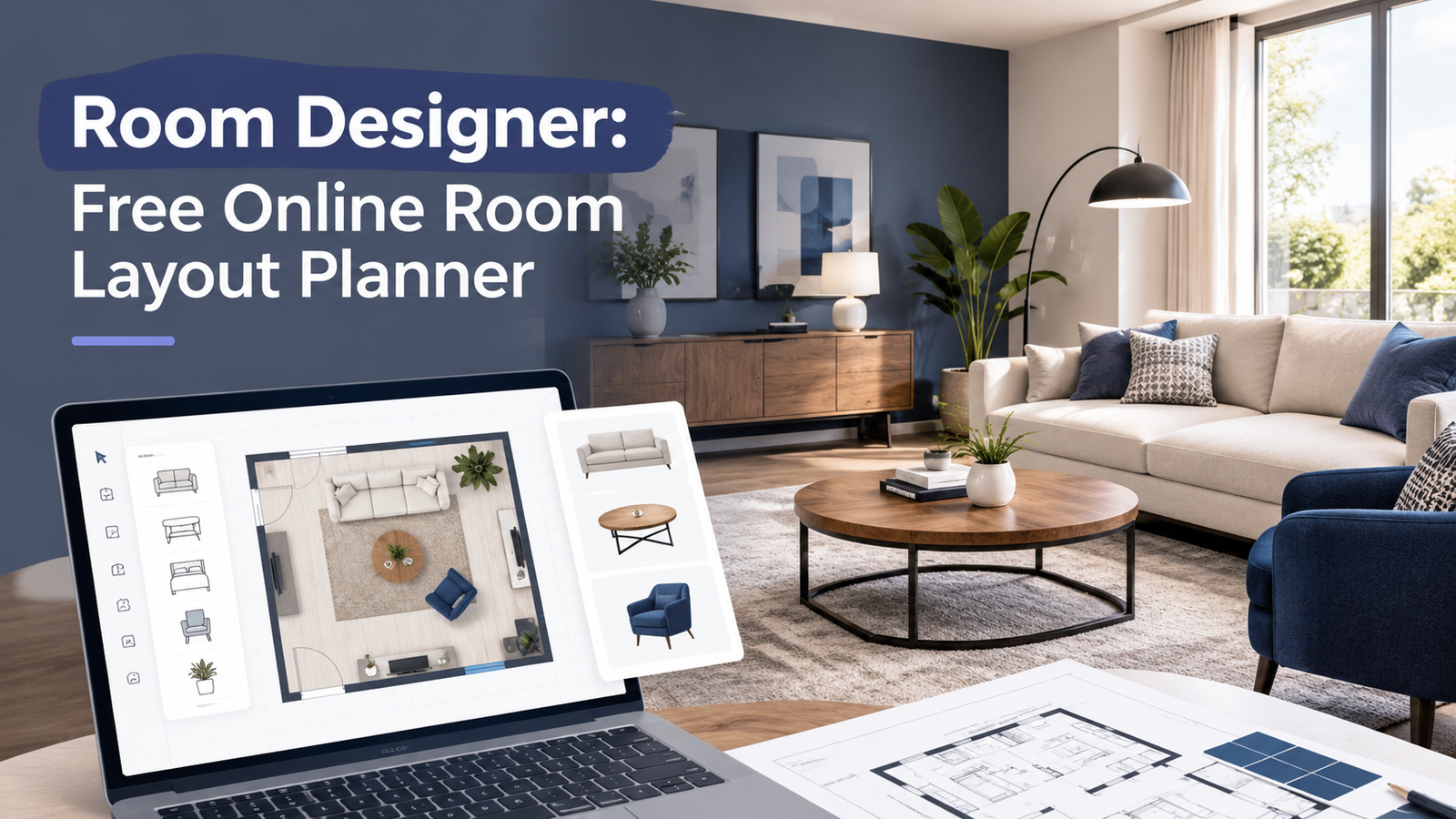
Our free room layout planner gives you a simple way to experiment with your space. Enter your room dimensions, add furniture, move items around, and adjust their size and color to explore different arrangements.
Room Designer
Plan your space, arrange furniture, and experiment with layouts.
A better room layout starts with a plan, not a shopping trip. Use this free room designer to explore furniture arrangements, test different positions, and see how your room could look before you start moving heavy furniture or buying new pieces.
Whether you’re arranging a small bedroom, updating your living room, setting up a home office, or making better use of an awkward corner, planning the layout first can help you avoid common mistakes. A room that looks spacious in a photo may feel crowded in real life if the furniture blocks a doorway or leaves too little room to walk.
What Can You Do With This Room Designer?
The tool is designed for straightforward room planning. You can use it to:
- Set room dimensions: Enter the length and width of your room to create a planning area.
- Add furniture: Place items such as beds, sofas, desks, chairs, wardrobes, rugs, plants, and cabinets.
- Move furniture: Drag items around the layout to compare different positions.
- Adjust furniture: Resize, rotate, duplicate, delete, or change the color of selected items.
- Explore floor colors: Try different floor colors while planning your room’s overall look.
- Save your design: Download your layout as a JSON file so you can load it again later.
- Print your layout: Keep a paper copy for reference while rearranging your room.
The goal is to help you make layout decisions before spending money. You can test a few arrangements, compare how much open space remains, and decide which setup is worth trying in the actual room.
A quick tip: Keep a tape measure nearby. The room dimensions you enter should match your real space as closely as possible, and furniture sizes should be checked before you buy anything.
How to Use the Room Designer Tool
You can create a basic room layout in a few simple steps, even if you have never used an online room planner before. Start with the room itself, then add the furniture you already own or plan to buy.
1. Enter Your Room Dimensions
Accurate room measurements give you a more useful starting point. Measure the length and width of the usable floor area, then enter those measurements into the room designer.
For example, imagine a bedroom that measures 12 feet long and 10 feet wide. Entering these dimensions gives you a starting layout for testing a bed, wardrobe, desk, and other furniture.
Before measuring, consider:
- Doorways and the direction in which doors open.
- Windows and their position along each wall.
- Built-in wardrobes, fireplaces, or other fixed features.
- Radiators, vents, and other areas that should remain clear.
- Alcoves or corners that may affect furniture placement.
The current tool is intended for basic rectangular room planning. If your room has an unusual shape, sloped walls, or several fixed features, make a note of those details separately and check them against the real room.
2. Add the Furniture You Need
Start with the largest pieces because they have the biggest effect on the layout. In a bedroom, place the bed and wardrobe first. In a living room, begin with the sofa and television unit. For a home office, start with the desk and chair.
After placing the main furniture, add smaller pieces such as cabinets, rugs, plants, or side tables.
Try to plan around the furniture you already own before adding items you may not need. A room can look attractive with plenty of accessories, but too many pieces can reduce useful floor space.
3. Move, Resize, and Rotate Items
Small changes in furniture position can make a room feel much easier to use. Move a sofa away from a doorway, rotate a desk toward a window, or shift a bed to compare different arrangements.
You can also resize and rotate furniture in the tool. Use these controls to explore possible layouts, but remember that the on-screen furniture is a planning representation rather than a guarantee of exact real-world fit.
Measure your actual furniture, including its depth and width. Also allow space for drawers to open, wardrobe doors to swing, and chairs to move backward.
4. Try Different Colors and Arrangements
Testing a few simple options is often more useful than trying to perfect the first design. Compare different furniture positions and floor colors to see which arrangement feels balanced.
For instance, a small bedroom may feel less crowded when the wardrobe sits against a long wall rather than beside the bed. A living room may work better when the sofa faces the main focal point without blocking the route to another part of the house.
Use color changes to explore the general look of the room, but do not treat the tool as a full paint or materials simulator. Actual paint, flooring, and fabric colors can look different under natural and artificial light.
5. Save or Print Your Layout
Save a copy when you reach an arrangement you want to keep. The tool can download your design as a JSON file, which you can load again later using the tool’s file-loading option.
Keep that file somewhere easy to find, such as a dedicated home-planning folder. If you create several layouts, give each file a clear name so you can tell them apart.
You can also print the layout for reference while measuring furniture or discussing the plan with someone else. Saving the file does not create an online account or automatically store the design on our website.
Room Layout Planning Tips for a Functional Space
A good room layout makes everyday activities easier while leaving enough space to move comfortably. Before choosing decorative details, think about how you enter the room, where you spend most of your time, and which furniture needs to be close together.
Leave Enough Space to Walk
The easiest layout to live with is one that does not make you squeeze past furniture. Keep the route between the door and the main areas of the room clear, and check that chairs, drawers, and doors can open without hitting other objects.
There is no single clearance measurement that works for every room. The right amount of space depends on the furniture, the people using it, and whether someone needs extra room to move safely.
Measure Furniture Before Buying It
A piece of furniture can fit on paper and still be awkward in everyday use. Measure its full width, depth, and height, then consider how it will be carried into the room and used once it is in place.
For example, a desk may fit against a wall but leave too little room for a chair to pull out. A wardrobe may fit into a corner but have doors that cannot open fully.
Use this quick checklist before purchasing furniture:
- Measure the available floor area.
- Check the item’s full dimensions.
- Allow room for doors, drawers, and moving chairs.
- Consider delivery access through doors, stairs, and hallways.
- Check whether the item will block a window, vent, or outlet.
Plan Around Doors, Windows, and Light
Furniture should work with the room’s natural features rather than fight against them. Avoid placing tall pieces where they unnecessarily block windows or make an entrance feel cramped.
A desk near a window can provide pleasant daylight, but monitor glare may become a problem. You may need to turn the desk slightly or use suitable window coverings.
In bedrooms, keep the bed easy to reach and consider how curtains, wardrobes, and bedside furniture will work together. In living rooms, arrange seating so people can talk comfortably without blocking the main walking route.
Choose a Focal Point
A clear focal point helps the furniture arrangement feel intentional. Depending on the room, that point might be a television, fireplace, large window, bed, artwork, or desk.
Arrange the main furniture around that feature, then add smaller pieces where they support the layout. Avoid forcing every item against a wall if doing so makes conversation or daily activities less comfortable.
Keep Storage Practical
The best storage is easy to reach and suited to what you actually use. Place frequently used items in accessible locations, and avoid filling every open corner with cabinets or shelves.
If clutter is making a room feel smaller, consider reviewing your belongings before buying more storage. Our guides to garage organization, pantry organization ideas, and organizing desk drawers offer practical ways to make better use of the storage you already have.
Room Layout Ideas for Different Spaces
The right layout depends on the room’s size, purpose, and existing features. Use these starting points to plan a space that looks good and works for your daily routine.
Living Room Layout Ideas
A comfortable living room makes it easy to relax, talk, and move around. Start by deciding whether the main focus is a television, fireplace, window, or seating area.
Place the sofa where it supports that purpose, then add chairs and tables without blocking the main route through the room. In a small living room, a compact sofa and a single flexible side table may work better than a large sectional and several extra pieces.
For more inspiration, explore our mantel decor ideas and small entryway ideas. These guides can help you think about how the living room connects to nearby areas and how to make the most of visible focal points.
Bedroom Layout Ideas
A bedroom should make rest and daily routines feel simple, not crowded. Place the bed first, then check the space available for bedside tables, wardrobes, and a clear route to the door.
If the room is narrow, try placing the bed against a longer wall or choosing smaller bedside furniture. In a shared bedroom, consider how both people will reach the bed and storage.
For a child’s bedroom, leave room for changing, dressing, and play where possible. Our toddler room ideas guide offers more ideas for creating a useful and welcoming space.
Small Room Layout Ideas
Small rooms benefit most from furniture that serves a clear purpose. Before adding decorative pieces, work out where the main furniture will go and which areas need to remain open.
Try these ideas:
- Use vertical storage where it can be installed safely.
- Choose furniture with built-in storage when it suits your needs.
- Keep the floor as open as practical.
- Avoid blocking windows with large furniture.
- Use mirrors or lighter colors if they suit the room’s style.
- Consider a foldable desk or multipurpose furniture when appropriate.
You do not need to fill every corner. Empty space is useful space when it improves movement or makes a room feel less busy.
Home Office Layout Ideas
A useful home office needs enough space to work comfortably and manage cables safely. Start with the desk and chair, then position your screen, storage, and lighting around your normal work routine.
Check that the chair can move without hitting a bed, cabinet, or wall. Keep frequently used supplies within reach, and place cables where they are less likely to become trip hazards.
If the office shares a bedroom or living room, use furniture placement or a shelf to create a visual separation between work and relaxation. The aim is not to build a separate room inside a room, but to make each area feel purposeful.
Kitchen, Bathroom, and Utility Room Planning
Rooms with fixed plumbing, appliances, and built-in storage need extra attention before you change the layout. A general room designer can help you think about available floor space, but it cannot confirm whether plumbing, electrical connections, ventilation, or building requirements will allow a proposed change.
If you are planning a larger home update, read our guides to kitchen remodel ideas, bathroom remodel ideas, and laundry room organization.
For material decisions, our guides to quartz vs. quartzite and LVP vs. laminate flooring can help you compare options before making purchases.
Benefits and Limitations of an Online Room Layout Planner
An online room planner is most useful when you want to compare ideas before changing your actual room. It gives you a place to experiment without having to move every piece of furniture each time you want to try something different.
| Benefit | How it helps |
|---|---|
| Test different layouts | Compare furniture positions before rearranging the room. |
| Plan around existing furniture | See whether your main pieces may fit together. |
| Reduce avoidable purchases | Check a proposed arrangement before buying additional items. |
| Explore room colors | Compare broad color ideas before decorating. |
| Keep a record | Save a layout file or print a copy for reference. |
What This Room Designer Cannot Confirm
A visual layout is a planning aid, not a professional building plan. The tool is intended for basic furniture placement and room-layout exploration, so it should not replace detailed measurements or specialist advice.
Keep these limitations in mind:
- Furniture dimensions: Check real product measurements instead of assuming the on-screen item matches a specific product.
- Room shape: Unusual corners, alcoves, angled walls, and built-in features may need separate planning.
- Doors and windows: Confirm their exact positions and opening paths in the actual room.
- Construction work: The layout does not verify structural safety, electrical capacity, plumbing routes, or building-code compliance.
- Visual appearance: A simple floor plan cannot fully show how materials, shadows, and lighting will look in real life.
If you plan to remove a wall, move plumbing, change electrical wiring, or make another major alteration, consult an appropriately qualified professional before starting work.
A Quick Room-Planning Checklist
Before you settle on a design, check the practical details that are easy to overlook.
This final review can help you catch layout problems before you move furniture or spend money.
Start Planning Your Room Layout
The best room design is one that works for your space, budget, and daily routine. Use the free room designer to test a few arrangements, check the space around your furniture, and save the layout that looks most practical.
You do not need to buy new furniture or decorate every corner to make a room feel better. Sometimes moving one large piece, improving storage, or clearing a walking route makes the biggest difference. Start with measurements, keep your plan simple, and make changes based on how you actually use the room.
Frequently Asked Questions
Is This Room Planner Free to Use?
Yes, this room designer is intended for free use. You can enter room dimensions, add and adjust furniture, explore arrangements, and save a layout file without needing to purchase design software.
Can I Design a Room Online Without Downloading Software?
Yes, you can use the room designer in a compatible web browser. It is designed as a browser-based tool, so you do not need to install a separate room-planning application to try the basic features. Your experience may vary depending on your browser and device.
How Do I Plan a Room Layout With Furniture?
Start with the room measurements and the largest furniture pieces. Add the bed, sofa, desk, or other main items first. Then arrange smaller furniture around them, keeping doorways, walking routes, and opening drawers clear. Measure the actual furniture before making a final decision.
Can I Save or Print My Room Design?
Yes, you can download your layout as a JSON file and print the plan. Keep the downloaded file if you want to load and edit that design later. The file is saved on your device rather than automatically stored in an online account.
Are the Room Dimensions and Furniture Measurements Exact?
The accuracy of your plan depends on the measurements you enter and the furniture representation you use. Measure your room and actual furniture carefully. Treat the tool as a way to explore layouts, not as a guarantee that every item will fit perfectly.
What Is the Best Layout for a Small Room?
The best small-room layout leaves enough open space for everyday movement. Start with the largest item, use storage thoughtfully, and avoid furniture that blocks doors or windows. The ideal arrangement depends on the room’s shape and what you need to do in it.
Can I Use a Room Designer for a Kitchen or Bathroom Remodel?
You can use a basic room planner to explore general furniture placement, but it is not enough to plan a full renovation. Kitchens and bathrooms involve fixed plumbing, appliances, ventilation, electrical work, and sometimes structural changes. Confirm those details with qualified professionals before building or installing anything.